4 Seasons Driving School
Driving lessons in Prince George from certified instructors
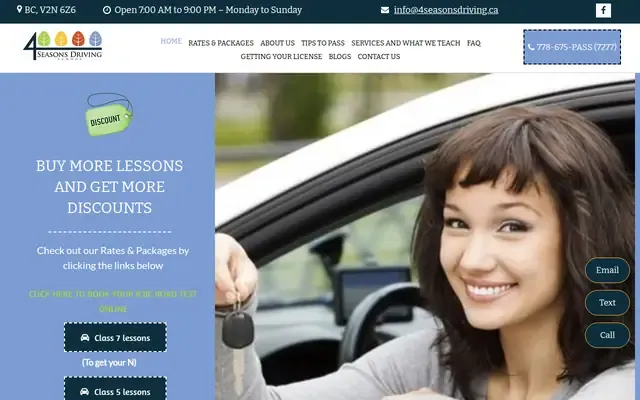
About 4 Seasons Driving School
4 Seasons Driving School is a family-owned driving school in Prince George offering customized one-on-one on-road driver training. They teach Class 7, Class 5, and Class 4 lessons, provide road test booking help, and offer pickup and drop-off within the city. The school emphasizes defensive driving, safety, and flexible scheduling, with lessons available seven days a week and some evening/weekend availability.
Hours and details
Hours and details from Google Maps, updated September 30, 2026. Hours can change on holidays. View on Google Maps
Services
- On-road driving lessons
- Class 7 driver training
- Class 5 driver training
- Class 4 driver training
- Road test booking assistance
- Road test warm-up lessons
- Vehicle rental for road tests
- Pickup and drop-off within the city
- Mock road test / driving assessment
Products and specialties
- Class 4 lesson packages
- Class 5 lesson packages
- Class 7 lesson packages
Also listed as: Driving school, Driver education
Upcoming events here
From local event calendars. All events
More driving schools nearby
Aim-High Driving School
Driving instruction for young and new drivers in Prince George and surrounding towns.
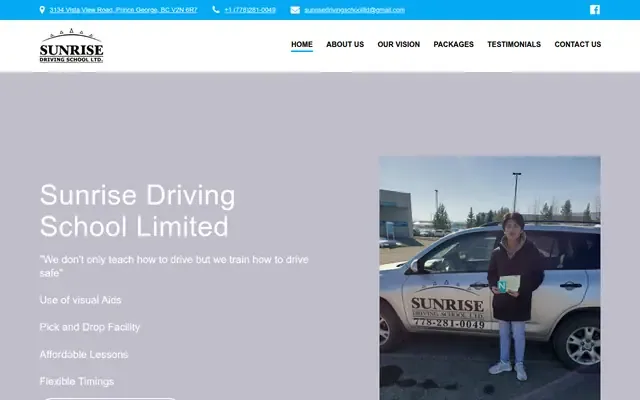
Sunrise Driving School
We don't only teach how to drive but we train how to drive safe
Integrity Driving School
- 3939 Blakley Rd
Prince George, BC V2N 6Z6West Bowl neighbourhood - (778) 983-2168(778) 675-7277
Own this business?
Claim this free listing to add photos, hours and a better description, or feature it at the top of driving schools. Sign in with your business email; there’s no password.
Claim this listingListing from the City of Prince George business licence registry, with details from the business's own website. Spotted a mistake? Suggest a correction.