Brilliant Futures Tutoring
English reading tutor in Prince George & online
About Brilliant Futures Tutoring
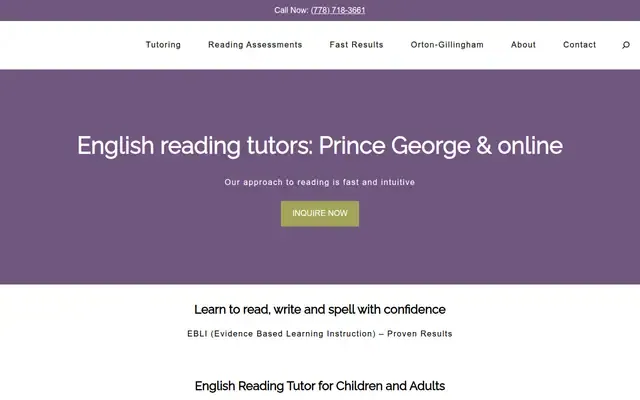
Brilliant Futures Tutoring provides 1-on-1 English reading tutoring for children and adults in Prince George, BC and online. The business focuses on helping students learn to read, write, and spell with confidence using evidence-based and multi-sensory instruction, including EBLI and linguistic literacy approaches. It also supports learners with dyslexia and other learning challenges.
Hours and details
Hours and details from Google Maps, updated September 30, 2026. Hours can change on holidays. View on Google Maps
Services
- 1-on-1 English tutoring
- In-person reading tutoring in Prince George
- Online reading tutoring
- Reading instruction for children
- Reading instruction for adults
- Support for students with dyslexia
- Writing and spelling support
- Free consultation
Also listed as: Tutoring Service, Educational Services, Reading Tutoring
Upcoming events here
From local event calendars. All events
More schools and tutors nearby


Body Brain Learning
100 Tabor Blvd S
A warm welcome from Body Brain Learning

Learn to Earn Bartending School and Consulting
Bartending school, customer service, trouble-shooting
Larson Beverley Educational Services
Educational consultant and psychotherapist offering online courses and workshops
- 2996 Langley Cres
Prince George, BC V2K 3J8Hart Highlands neighbourhood
Own this business?
Claim this free listing to add photos, hours and a better description, or feature it at the top of schools & tutoring. Sign in with your business email; there’s no password.
Claim this listingListing from the City of Prince George business licence registry, with details from the business's own website. Spotted a mistake? Suggest a correction.