CBS Parts
Heavy Duty Truck & Trailer Parts
Registered as CBS Parts Ltd.
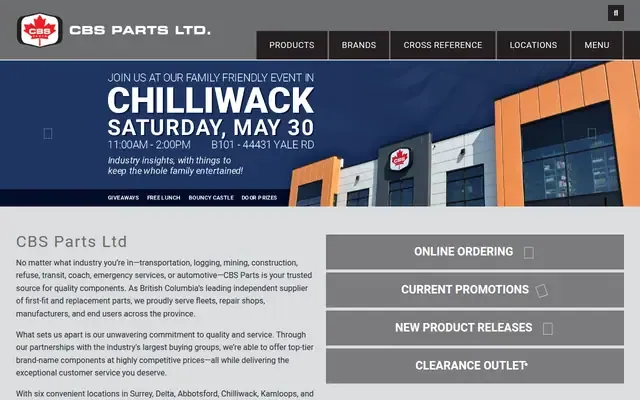
About CBS Parts
CBS Parts Ltd. is a British Columbia supplier of first-fit and replacement parts for transportation and heavy-duty industries, including logging, mining, construction, refuse, transit, coach, emergency services, and automotive. The company serves fleets, repair shops, manufacturers, and end users, with multiple locations across B.C. and a large inventory of OEM and aftermarket components.
Hours and details
Hours and details from Google Maps, updated September 30, 2026. Hours can change on holidays. View on Google Maps
Services
- Parts supply
- Replacement parts distribution
- OEM and aftermarket parts sourcing
- Delivery service
- Online ordering
Products and specialties
- Wheels
- Rims
- Axles
- Clutches
- Filters
- Brake components
- Driveline components
- Suspension components
- Exhaust components
- Lighting components
Also listed as: Auto Parts Store, Truck Parts Supplier, Trailer Parts Supplier, Heavy Equipment Parts Supplier
Upcoming events here
From local event calendars. All events
More auto parts and accessory stores nearby
JDL Customs Services
Your local experts for 12V auto accessories and mobile electronics

Chieftain Auto Parts
Auto parts, industrial equipment and supplies in Prince George
Chinook Scaffolding Systems
Service Built on Safety
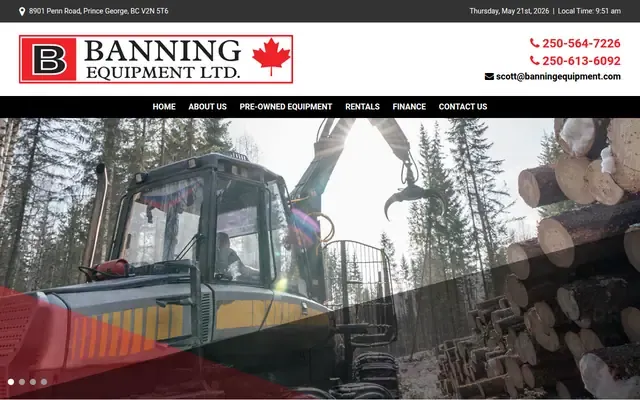
Banning Equipment
Serving the heavy equipment and attachment needs of the construction, oil/gas, and forest industries
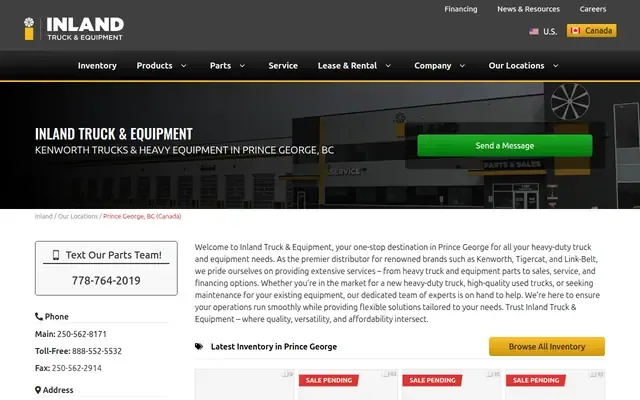
Inland Truck & Equipment
Kenworth trucks & heavy equipment in Prince George, BC
- 9162 National Pl
Prince George, BC V2N 5T1Danson Industrial Park neighbourhood
Own this business?
Claim this free listing to add photos, hours and a better description, or feature it at the top of auto parts & accessories. Sign in with your business email; there’s no password.
Claim this listingListing from the City of Prince George business licence registry, with details from the business's own website. Spotted a mistake? Suggest a correction.