SMS Equipment
Registered as SMS Equipment Inc.
About SMS Equipment
SMS Equipment is listed under industrial suppliers and equipment dealers in BCR Industrial Park, Prince George, at 1063 Great St. City business licence: equipment sales & service.
Summary from the listing details and the City business licence. If you own it, claim this free listing to add a description, hours and photos.
Hours and details
| Monday | 6 a.m. – 6 p.m. |
|---|---|
| Tuesday | 6 a.m. – 6 p.m. |
| Wednesday | 6 a.m. – 6 p.m. |
| Thursday | 6 a.m. – 6 p.m. |
| Friday | 6 a.m. – 6 p.m. |
| Saturday | 6 a.m. – 6 p.m. |
| Sunday | 6 a.m. – 6 p.m. |
Manufacturer
Wheelchair-accessible entrance and parking
Hours and details from Google Maps, updated September 30, 2026. Hours can change on holidays. View on Google Maps
Upcoming events here
From local event calendars. All events
More industrial suppliers and equipment dealers nearby
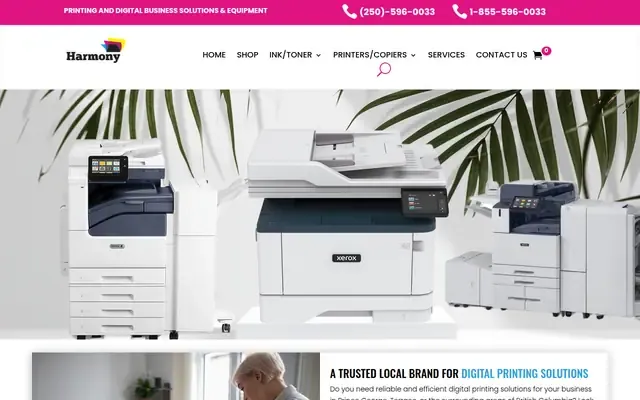
Harmony Office Systems
A trusted local brand for digital printing solutions
Advanced Industrial Group
Exceptional service and technical expertise for air compressors, generators, and energy-efficient products.
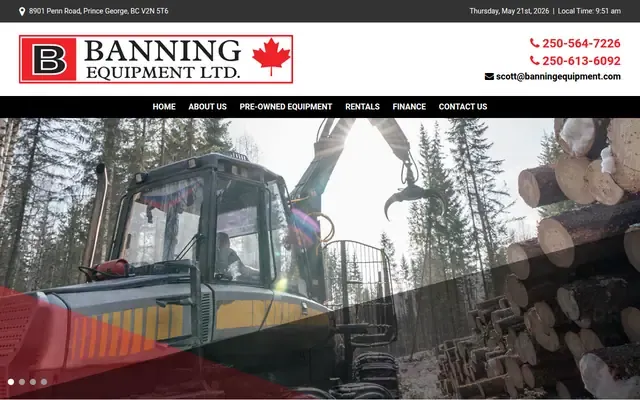
Banning Equipment
Serving the heavy equipment and attachment needs of the construction, oil/gas, and forest industries
Gasco PG
Welding supplies, industrial supplies, and compressed gases in British Columbia
See all 130 industrial suppliers and equipment dealers in Prince George
- 1063 Great St
Prince George, BC BCR Industrial Park neighbourhood
Own this business?
Claim this free listing to add photos, hours and a better description, or feature it at the top of industrial supply & equipment. Sign in with your business email; there’s no password.
Claim this listingListing from the City of Prince George business licence registry. Spotted a mistake? Suggest a correction.